Discover the best speech to text software for fast and accurate transcription in 2026. Explore free and paid voice recognition tools, Android apps, and AI transcription platforms that improve productivity and save hours of typing.
Complete Guide for Accurate Voice Transcription
In today’s digital age, wasting time typing by hand is a sign of lagging behind. That’s why many professionals, students, and content creators are now relying on the best speech to text software—which instantly converts spoken words into written text. These tools use the latest AI and voice recognition technology to accurately transcribe human speech into text in seconds.
Speech recognition tools are now being used everywhere to write documents, type up meeting minutes, caption videos—even control devices with your voice. As technology improves, these tools are becoming more accurate and useful, making them easier for ordinary people like us to use.
What Is Speech to Text Software?
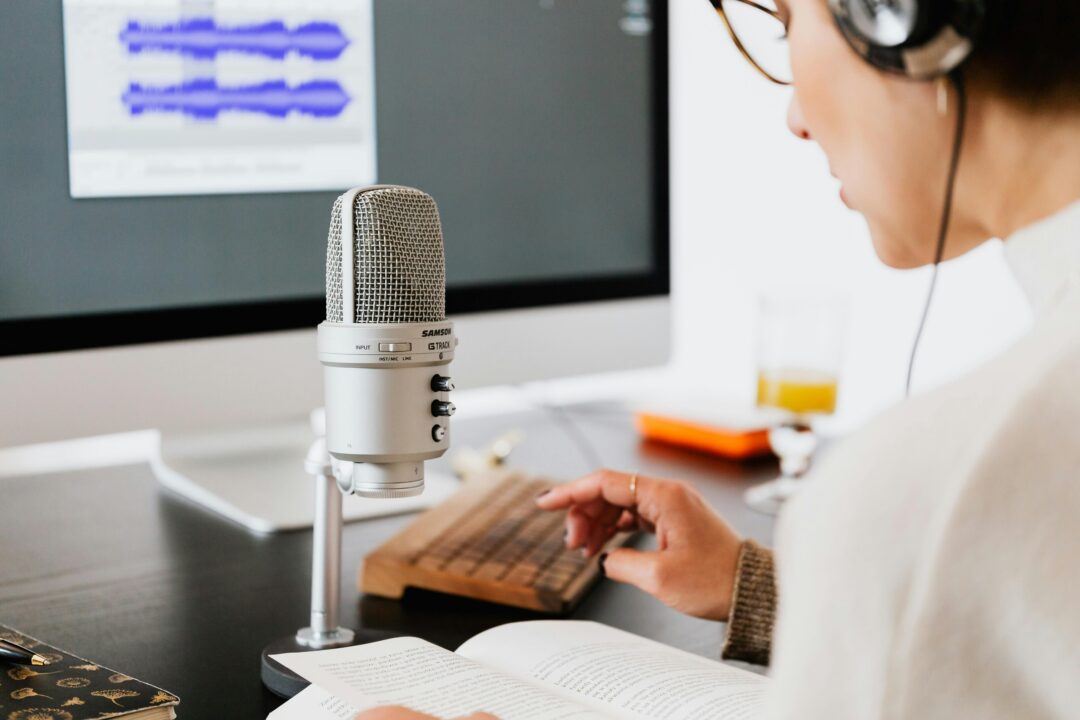
Speech to text is a digital method that converts your speech directly into written text. It listens to you through a microphone and uses speech recognition technology to instantly convert it into editable text.
The best speech-to-text software relies on artificial intelligence (AI) to learn how people speak, their pronunciation, and their speech patterns. These systems analyze audio signals and convert them into text with great accuracy.
Today’s speech recognition systems not only recognize speech, but also recognize different people, different commands, and even different languages. This technology has completely changed the way people write, communicate, and manage online work.
Why Speech to Text Software Is Becoming Essential
Voice technology is now advancing at a rapid pace because it allows you to get work done much faster and more accurately. Instead of wasting time typing long documents, now you can just speak and the software will automatically type all the text.
The best speech-to-text software is a blessing for those who have difficulty typing. With the help of this technology, they can effortlessly send messages, write emails, or quickly complete office tasks using just their voice.
Whether you’re a journalist, blogger, lawyer, or doctor, voice transcription tools like are now a great option. Using them can save you hours of writing notes or documentation, and can save you a lot of time.
| Tool | Best Use Case | Key Features | Pricing (Approx) |
|---|---|---|---|
| Otter.ai | Meetings, lectures, interviews | Real-time transcription, speaker identification, summaries | Free plan (300 mins/month); Paid from ~$8.33/month (Otter.ai) |
| Google Speech-to-Text | Developers, apps, automation | 120+ languages, real-time & batch processing | Pay-as-you-go (~$0.006–$0.012/min) |
| Microsoft Azure Speech to Text | Enterprise & business apps | Custom voice models, integrations with Microsoft tools | Pay-as-you-go (~$1/hour) |
| IBM Watson Speech to Text | Enterprises, analytics-heavy use | Real-time streaming, strong security & customization | Lite free tier; Paid plans start ~$0.02/min |
| Dragon Professional | Professionals, writers, legal/medical | Extremely high accuracy, voice commands | One-time ~$500+ (desktop) |
| Speechmatics | Global businesses, multilingual use | Handles accents well, real-time + batch | Custom pricing (enterprise) |
| Verbit | Media, education, legal | AI + human editing for high accuracy | Custom pricing (premium) |
| Braina Pro | Personal productivity, dictation | Voice assistant + speech-to-text | ~$79/year |
| Gboard Voice Typing | Mobile users, quick typing | Free, built into Android/iOS keyboard | Free |
| Speechnotes | Bloggers, writers | Simple browser-based dictation | Free + ads / low-cost premium |
Key Features of the Speech to Text Software
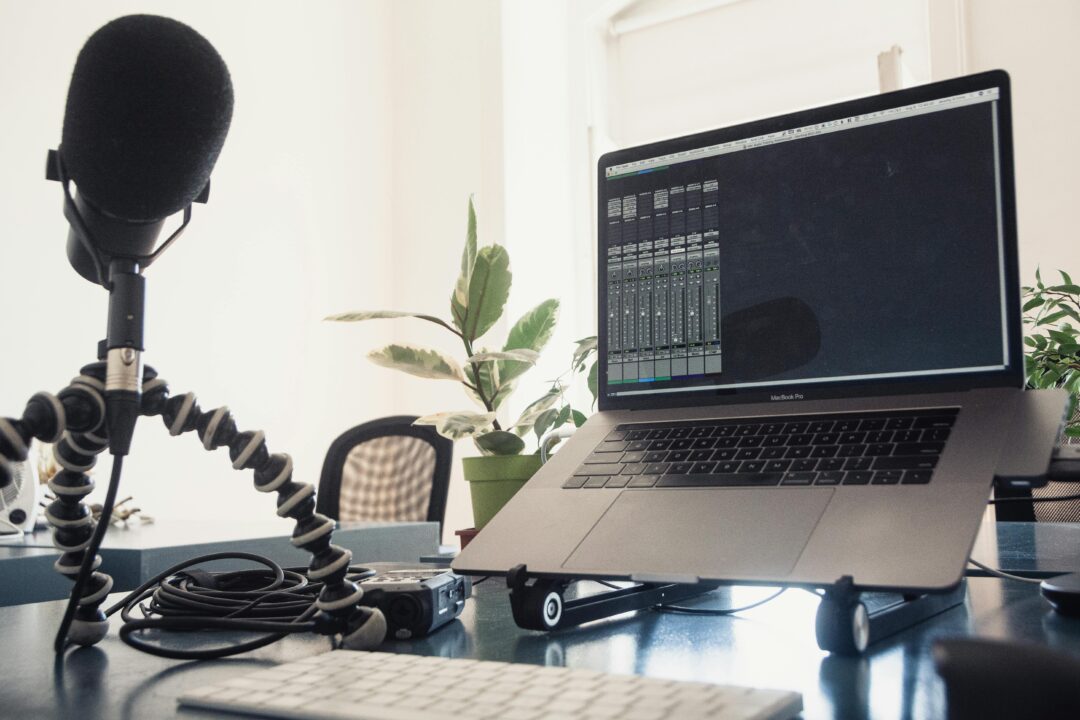
When choosing the best speech to text software, several important features determine its performance and usability.
- High Accuracy
The most important thing about transcription software is how accurately it can capture speech. Today’s advanced AI systems are so advanced that they can recognize words perfectly even when there is background chatter or a different intonation.
- Real-Time Transcription
Many tools these days now offer live transcription, which means that the text appears on the screen as you speak. This is incredibly useful during meetings, lectures, or interviews.
- Multi-Language Support
People around the world need software that can easily understand different languages and regional accents. Good speech recognition tools typically support dozens of languages.
- Cloud Integration
Most transcription tools these days store recordings and texts in the cloud. The advantage of this is that you can check your files whenever you want from any device.
- Editing and Export Options
With professional software, you can easily edit transcripts and later export them as Word, PDF, or subtitles.
🎼 Best AI Voice Generator: Smartest AI Voice Tools That Sound Like Incredibly Human🔥
Types of Speech Recognition Software
There are different categories of speech transcription tools designed for various users and industries.
Desktop Speech Recognition Tools
These programs run on computers and transcribe speech to text with near-perfect accuracy. Writers, journalists, and professionals often rely on these software programs to quickly create documents.
Mobile Voice Typing Apps
These programs run on computers and transcribe speech to text with near-perfect accuracy. Writers, journalists, and professionals often rely on these software programs to quickly create documents.
AI Transcription Platforms
Cloud-based AI transcription services automatically convert any audio file into text. These tools are hugely popular with podcasters, video creators, and researchers.
Popular Speech Recognition Software Examples
There are many transcription tools on the market today, each with a different purpose. For example, there are different speech recognition software available for recording business meetings, converting podcasts to text, or academic research.
Some advanced platforms like Soniox focus more on real-time transcription or the accuracy of creating text from live speech. Similarly, Sonix software is now being used widely to turn interviews, podcasts, or webinars into professional text.
Those looking for the best transcription software for absolutely free will find several platforms that offer all the necessary features to get the job done for free.
Benefits of Using Speech to Text Software
Speech recognition tools provide multiple benefits for both individuals and businesses.
- Faster content creation: Speaking is usually three times faster than typing. The best speech to text software helps writers produce articles and documents quickly.
- Improved productivity: Professionals can transcribe meetings, lectures, and interviews instantly without manual typing.
- Better accessibility: Voice recognition allows people with disabilities or typing difficulties to interact with technology more easily.
- Multitasking capability: Users can dictate notes or messages while performing other tasks, saving valuable time.
Free vs Paid Speech to Text Software
Many people look for free speech to text software before spending their pocket money on a premium tool. These free tools are quite useful for simple transcription or voice typing tasks.
Paid software is usually much more sophisticated. It offers advanced editing, speaker detection, and super fast speed—something you can’t expect from free software.
If you regularly create professional transcripts, it’s a good idea to invest in good speech-to-text software. This will greatly increase both your speed and accuracy.
How to Choose the Best Speech to Text Software
Choosing the right tool depends entirely on what you need and how you plan to use it. Before you rush into choosing any software, there are a few important things to consider.
First, check how accurate the transcription is and whether it includes the languages you need. If the accuracy is high, you won’t have to do any extra editing or proofreading after the transcription is done.
Secondly, test it first to see if it will work properly on your device. Many people are now looking for free voice recognition apps that run smoothly on mobile without any hassle.
Finally, take a good look at the pricing plans and storage options. Cloud-based transcription platforms usually have a very flexible subscription system, which you can choose according to your needs.
The Future of Voice Recognition Technology
Voice recognition technology is now improving at a rocket speed thanks to artificial intelligence and machine learning. In the coming days, the best speech-to-text software will probably be able to understand speech perfectly and will be more deeply integrated with digital assistants.
We may soon see voice-controlled systems where people can effortlessly complete tasks like writing documents, scheduling meetings, or controlling any device by simply giving verbal commands.
This new discovery will completely change the way we use computers and digital platforms. The way people interact with them will now completely change.
Frequently Asked Questions (FAQs)
1. What is the best speech to text software for beginners?
The best speech to text software for beginners usually includes tools with simple interfaces and automatic transcription features. Many AI transcription platforms provide easy voice typing and editing options.
2. Is there any speech to text software free to use?
Yes, several platforms provide speech to text software free plans with limited transcription minutes. These are suitable for basic voice typing and occasional transcription tasks.
3. Can I use speech to text software on smartphones?
Yes, many apps offer speech to text software for android devices, allowing users to dictate messages, notes, and documents directly from their phones.
4. How accurate is speech recognition technology?
Modern AI transcription tools can reach up to 90–95% accuracy in quiet environments. The best speech to text software improves accuracy by learning speech patterns and accents.
5. What industries use speech recognition software?
Speech recognition technology is widely used in journalism, healthcare, education, law, customer service, and content creation for transcription and documentation purposes.