Worried about hackers reading your chats or stealing sensitive information? This complete guide explains end to end encryption in simple language, how it protects your privacy, and why it matters in apps like WhatsApp, Messenger, and Instagram—plus practical tips to stay secure.
Have you ever wondered if someone is lurking behind your back and reading your personal messages? In today’s digital age, online privacy is no longer a hobby—it’s a necessity. And that’s where end-to-end encryption works like magic.
From WhatsApp chats to Instagram messages, this security technology is silently guarding the conversations of billions of people every day. But the funny thing is, many still don’t fully understand how it actually works or why it’s so important to us.
In this guide, I’ll explain everything in simple Bengali—based on what I know and what really happens in the world of security—so that you can make smarter decisions about your digital privacy.
What Is End to End Encryption?
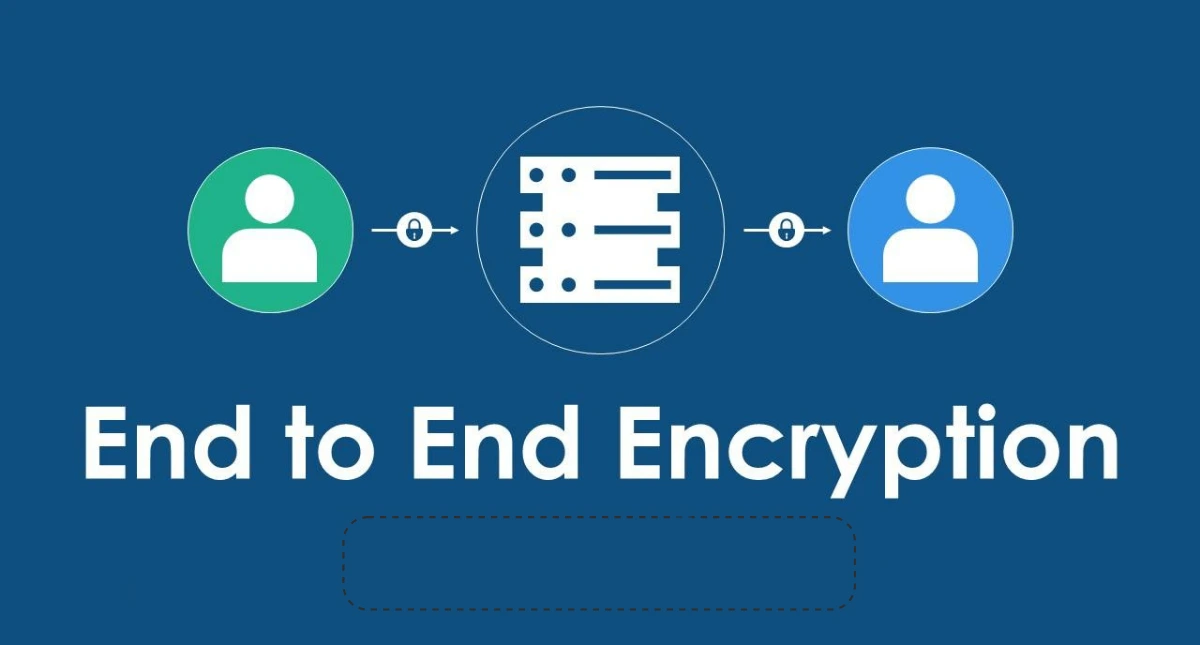
Let’s begin with the basic concept.
The meaning of end to end encryption is very easy to understand.
Only the sender and the recipient can read the message. No one else can peek in; not a hacker, not your internet company, not even the app you’re using (like WhatsApp).
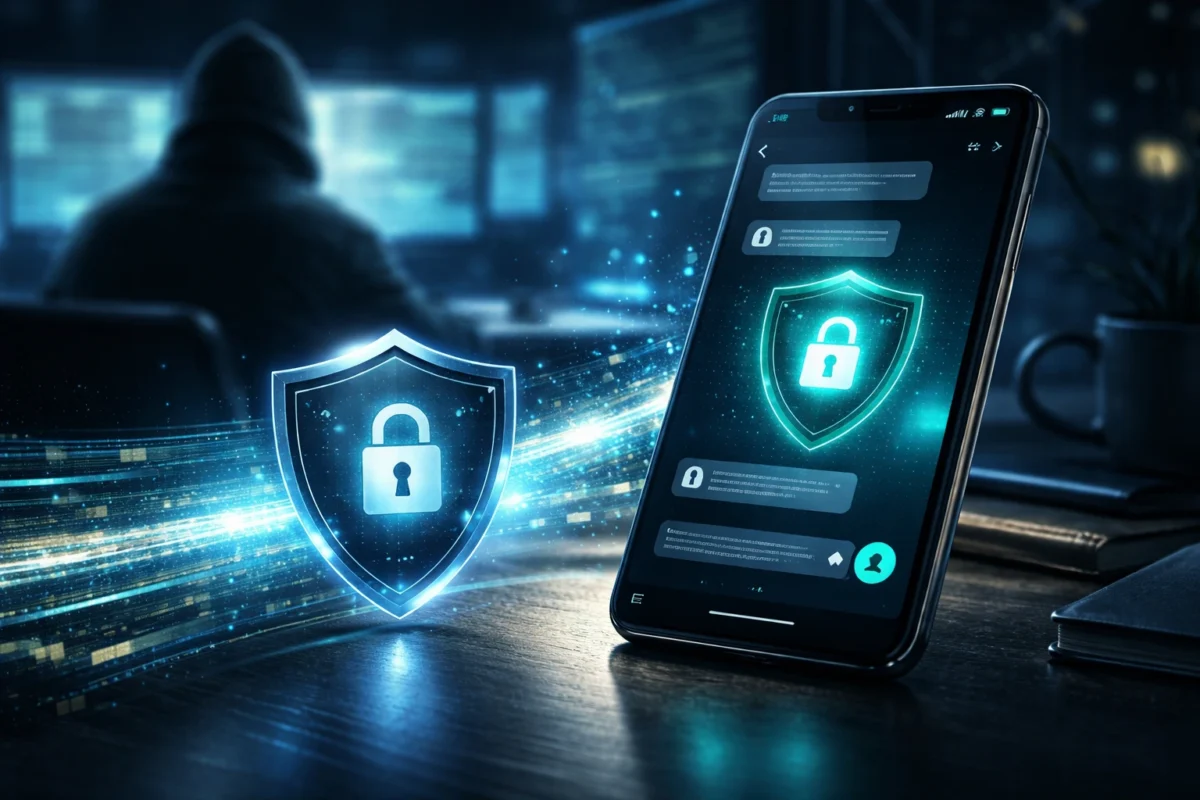
In technical terms, end-to-end encryption turns your message into a gibberish code (called cipher text) before it leaves your phone. The only key to unlock it is on the device of the person receiving the message.
Even if someone intercepts your message during transmission, they will only see unreadable, scrambled data that is impossible to understand.
What Does End-to-End Encrypted Data Mean?
When someone asks what end-to-end encrypted data actually refers to? they are referring to data that is locked from start to finish.
Here’s how it works step-by-step:
- You type a message.
- Your device encrypts it using a cryptographic key.
- The encrypted message travels through servers.
- The receiver’s device decrypts it using a matching key.
- Only the intended recipient can read it.
Even if servers are hacked, your actual message content remains protected.
How End to End Encryption Protects Your Privacy
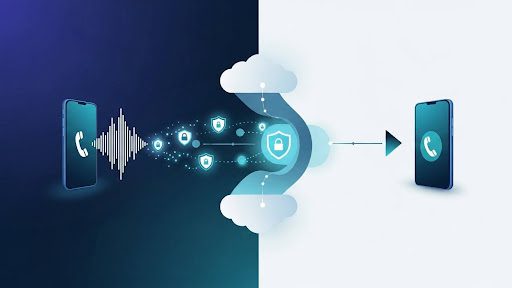
End-to-end encryption and your privacy go hand in hand.
Without encryption, your conversations could be exposed to:
- Cybercriminals
- Data brokers
- Government surveillance
- Corporate misuse
With end to end encryption:
- Messages stay confidential
- Files remain secure
- Voice and video calls are protected
- Financial details are hidden
From my experience helping people understand digital safety, most data leaks happen because users assume apps are secure when they are not. Enabling encryption is one of the simplest and strongest protections available.
Popular Apps That Use End to End Encryption
Many modern platforms now support end to end encryption. Let’s look at common examples.
What is End-to-End Encryption WhatsApp?
WhatsApp uses end to end encryption by default for:
- Personal chats
- Group chats
- Voice calls
- Video calls
- Shared media
When people search “What is end-to-end encryption WhatsApp”, they want reassurance that their chats are private. The answer is yes — by default, messages are encrypted automatically.
You don’t need to manually turn it on.
Suggested Read: Multi Factor Authentication: The Ultimate Security Shield in 2026
End-to-End Encryption Messenger
Facebook Messenger introduced optional encrypted chats earlier and later expanded encryption settings.
If you are searching for End-to-end encryption Messenger, you may notice some chats are encrypted while others are not.
Many users ask:
“Turn off end-to-end encryption Messenger” or “How do I turn off end-to-end encryption in messages?”
Important note:
- Some encrypted chats cannot be reverted.
- Disabling encryption reduces security.
- Regular chats may store messages on servers.
Always check your privacy settings carefully.
End-to-End Encryption Instagram
Instagram has been gradually integrating encrypted messaging options.
When people search End-to-end encryption Instagram, they usually want to know:
- Are DMs secure?
- Can Instagram read messages?
- Is encryption automatic?
Encryption features vary by region and update version, so always verify within the app settings.
What Is an End-to-End Encryption Password?

An End-to-end encryption password is sometimes required when backing up encrypted chats.
For example:
- Cloud backups may require a password.
- Losing that password means losing access.
- It cannot be reset by the company.
This ensures that even backup copies remain private.
Is It Good to Turn On End-to-End Encryption?
A very common question is:
“Is it good to turn on end-to-end encryption?”
In most cases — yes.
✅ Advantages
- Maximum privacy protection
- Reduced risk of hacking
- Protection against data leaks
- Safe business communication
- Secure financial discussions
❌ Disadvantages
- Harder account recovery
- Lost password = lost data
- Limited moderation in encrypted chats
If you value privacy, enabling end to end encryption is usually the smarter choice.
Can You Turn Off End-to-End Encryption?
People frequently search:
- Turn off end-to-end encryption Messenger
- What is the process to disable end-to-end encryption in messaging apps?
The answer depends on the app.
Some apps:
- Allow switching between regular and encrypted chats
- Do not allow turning it off once activated
- Apply encryption automatically
Before disabling encryption, ask yourself why. Security should not be removed casually.
End-to-End Encryption Apps in 2026
Popular End-to-end encryption apps include:
Each app handles encryption differently. Always read their security documentation.
The Technology Behind End to End Encryption
At its core, end to end encryption uses:
- Public key cryptography
- Private key decryption
- Secure key exchange
- AES and RSA encryption algorithms
- Digital signatures
Your device generates a pair of keys:
- Public key (shared)
- Private key (kept secret)
Only matching keys can unlock messages.
This system ensures even the service provider cannot decrypt your chats.
Real-Life Example
Imagine sending your bank details through a normal postcard. Any person who gains access to it would be able to see its contents.
Now imagine placing that message in a steel vault that only your friend can open.
That vault is what end to end encryption does digitally.
Why End to End Encryption Matters for Businesses
Businesses benefit greatly from end to end encryption because:
- Client data remains confidential
- Legal compliance improves
- Cyber insurance risk reduces
- Reputation stays protected
In my observation, companies that invest in encrypted communication face fewer data breach risks compared to those relying on basic security.
Common Misconceptions
Let’s clear some myths:
- Encryption does not make you anonymous.
- Metadata may still be visible.
- It does not prevent screenshots.
- It does not stop phishing attacks.
Encryption protects content — not user behavior mistakes.
Frequently Asked Questions (FAQs)
1. What is the simple End to end encryption meaning?
It means only the sender and receiver can read the message. No third party can access it.
2. What does end-to-end encrypted data mean?
It refers to data that is encrypted before transmission and decrypted only by the intended recipient.
3. Is it good to turn on end-to-end encryption?
Yes, especially for private conversations, financial data, and sensitive business communication.
4. Can companies read encrypted chats?
No. With proper end to end encryption, even the service provider cannot access message content.
5. Can I turn off end-to-end encryption?
It depends on the app. Some allow it; others do not.
6. Are all messaging apps encrypted?
No. Only specific apps provide true end to end encryption.
7. What happens if I forget my encryption password?
You may permanently lose access to your encrypted backups.
Final Thoughts
In a world where data theft or hacking is happening every day, this end-to-end encryption is not just a technical feature—it is a shield for your digital security.
Whether you use WhatsApp, Messenger, or Instagram, understanding encryption puts you in control of your privacy, not up to fate.
If your personal conversations, financial discussions, or confidential office work are of any value to you, then keeping encryption enabled would be the smartest thing you can do.
Your data deserves at least this much security.